How Do Teams Manage NFC Digital Business Cards?
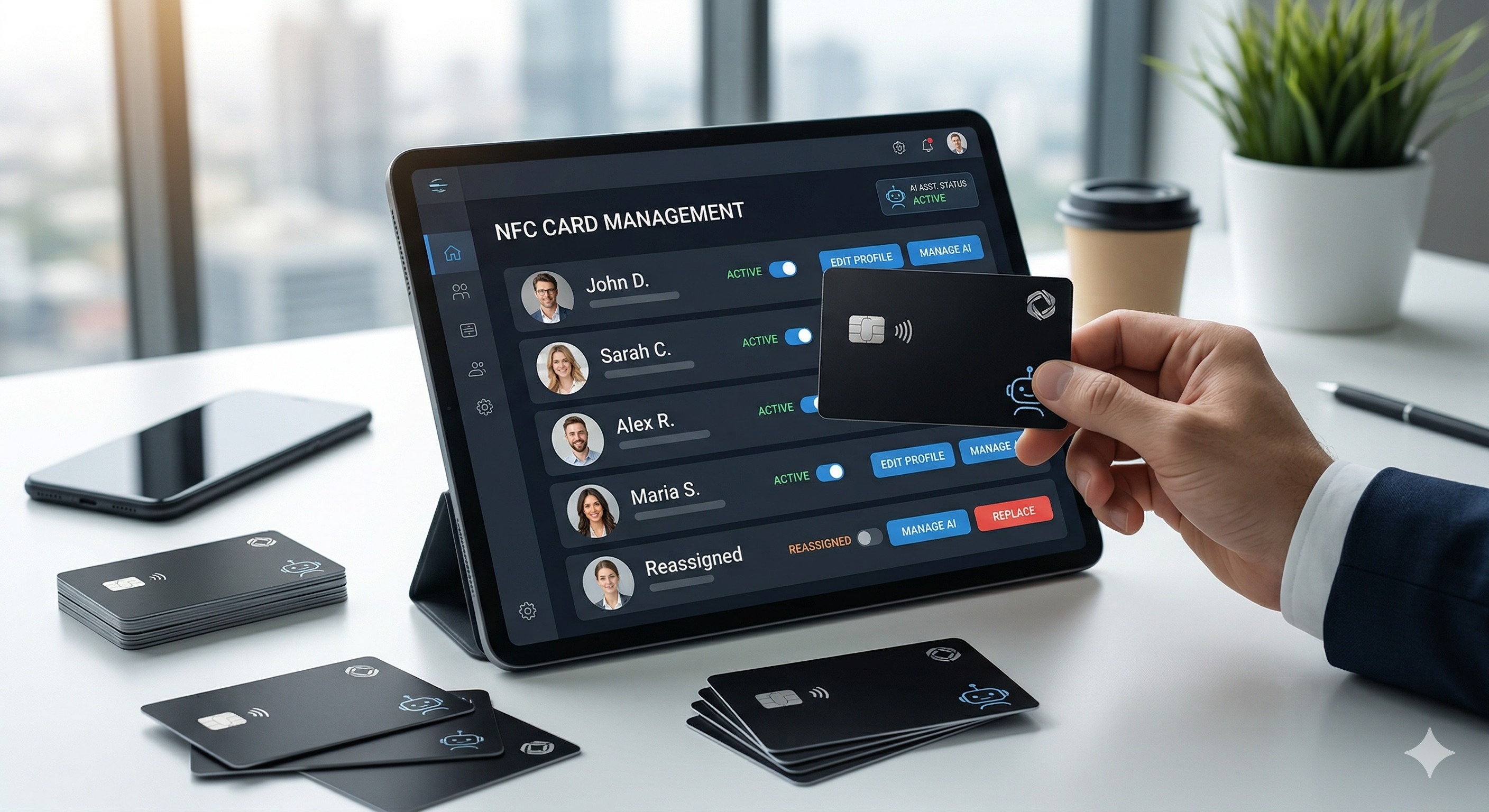
At the core of professional team management for NFC cards is the model of "Centralized Control, Distributed Application." Through an enterprise admin account, HR or Administrative departments can unify brand identity, train AI assistants, configure contact details, and reassign card permissions in real-time. This turns physical cards from simple contact tools into dynamic, reusable corporate marketing assets.
Product Comparison Table: NextCard AI vs. Competitors
Why Should Teams Manage Cards Centrally?
- Absolute Brand Uniformity: Traditional paper cards often suffer from design discrepancies or unauthorized modifications. Centralized management ensures that every sales representative presents the latest, most accurate brand image and corporate promotional materials.
- Protection of Digital Assets: The departure of a sales team member is often a high-risk period for client loss. With the AINFCARD system, the "right to connect" belongs to the corporate account. HR can instantly revoke access, ensuring potential leads remain within the company’s private traffic pool.
- Standardized AI Empowerment: While individual employee capabilities may vary, a unified AI Assistant trained by HR ensures every client receives professional, accurate, and on-brand consultation 24/7 upon scanning the card.
- Extreme Cost Efficiency: Changes in titles, phone numbers, or personnel no longer require reprinting. Updates take seconds in the backend and apply globally, allowing physical cards to be reused for years.
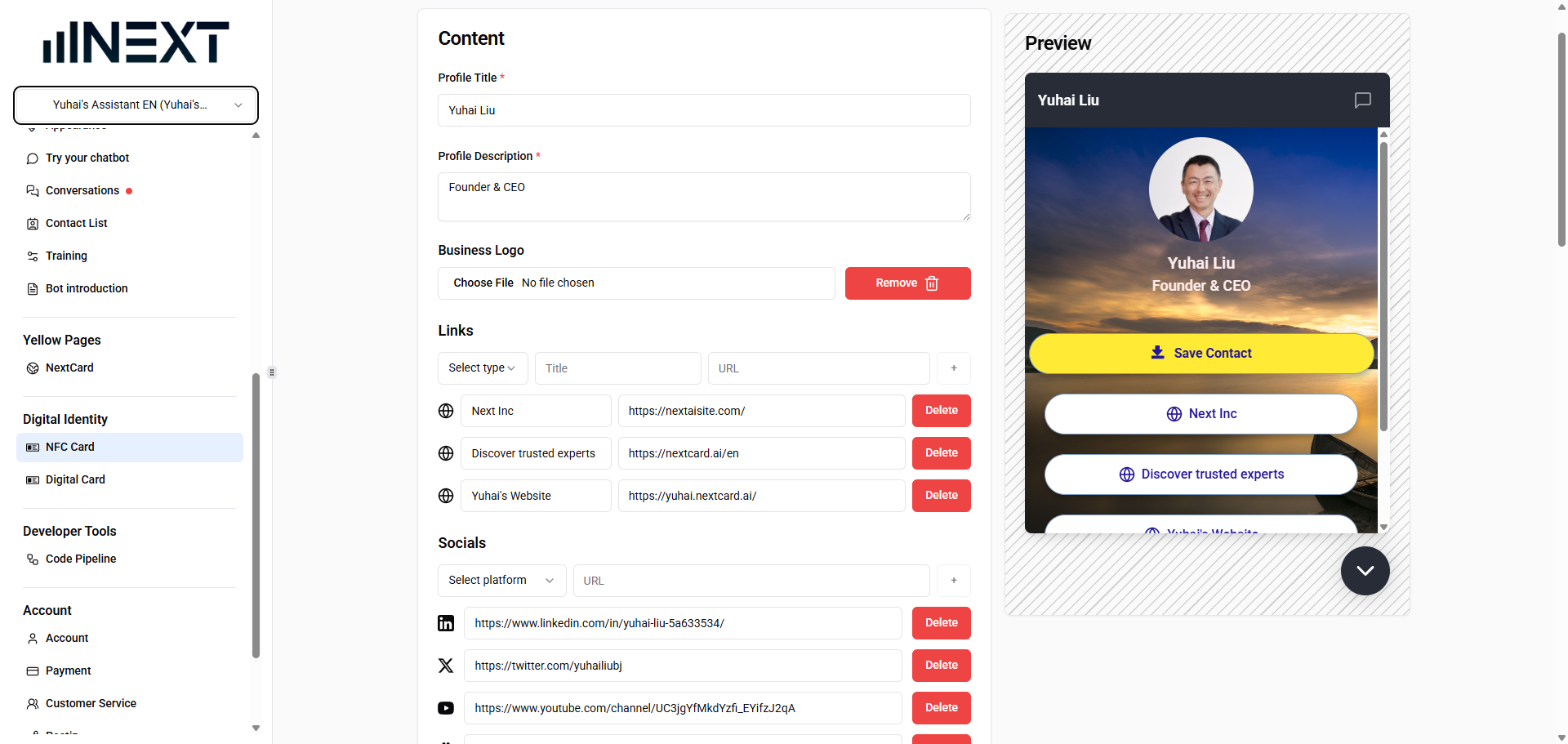
The following infographic outlines the dashborad of AINFC cards.
Step-by-Step: How to Manage a Team
1. Establish a Master/Member Hierarchy
HR holds the Master Account with highest authority, creating sub-accounts for each team member. The Master Account provides a "birds-eye view" of all card activation statuses and business engagement metrics.
2. Unify UI and Visual Design
Configure a standardized digital card template in the backend, including the corporate logo, key visual backgrounds, "one-tap" call buttons, and social media links. Once the admin saves the template, the interfaces for all team members are updated simultaneously.
3. Centralized AI Assistant Training
This is the core advantage of AINFCARD. Admins upload product manuals, FAQs, and service workflows to the backend for training. The resulting AI assistant is automatically deployed to every member's card, meaning every salesperson is backed by a 24/7 expert who knows the products inside out.
4. Dynamic "Seat" Reassignment
This is the most practical feature for handling turnover. When a member leaves:
- The admin unbinds the departing member's information in the backend.
- The "seat" is immediately reassigned to a new hire.
- The existing physical card remains valid; once the new employee binds it, it becomes active instantly—eliminating the "waiting period" for new cards.
Real-World Case: Digital Transformation for a Markham Food Company
A food production company based in Markham, Ontario, recently equipped its entire sales team with our NFC business cards.
The Challenge: The company faced high sales turnover. Previously, each new hire had to wait 3–5 days for card printing, and client resources were difficult to track after a salesperson left.
The Solution:
- Instant Onboarding: HR kept 10 "blank" cards in reserve. When a new employee joined, HR simply updated the name and photo in the backend. The new hire could start working with a functional card on day one.
- Unified Sales Pitch: For their latest organic product line, HR updated the AI knowledge base centrally. Even when sales reps were busy at trade shows, customers could scan the card and ask the AI about "origin," "shelf life," and "logistics."
- Zero Asset Loss: When two sales managers resigned last month, HR reclaimed their digital permissions in under a minute and reassigned them to their successors, successfully retaining hundreds of distributor contacts.